
Introduction
Welcome to the London Stansted Airport Noise Information Portal. This portal provides information about how the airport operates, how we manage noise, and how many flights operate close to your location. The portal also offers informational videos, general information, as well as visualisations of a typical day at the airport and dashboards containing data relevant to your location.
Entering your location
When you first enter the site, you will be asked to enter your location. You can do this by entering your address or dropping a pin on a map and pressing ‘Continue’.
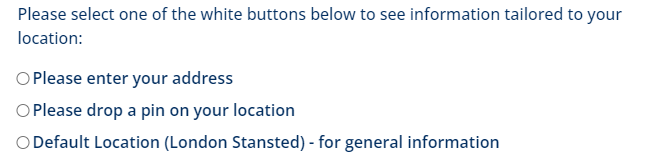
Once you have entered your location, the pages under the heading “Your Area” will automatically update and tailor the information to be specific to your location. These pages provide detail about flights in the vicinity such as the frequency and height of aircraft for different time periods of the day. This data is generated from our highly accurate Aircraft Noise and Operations Monitoring System (ANOMS) that tracks aircraft movements within 40 Nautical Miles of the airport. You can change your location at any time using the “select location” button in the top right corner.
Dashboards
A number of pages contain interactive dashboards. Data is updated in the middle of the month, to then show the most recent full calendar month in this portal. The dashboards first load with the most recent months data, but you can change the month selected by using the drop down menu.

To view the dashboard as a full screen, there is a button on the top right corner of the dashboard called “View Fullscreen”. Pressing ‘ESC’ on your keyboard will exit the full screen display.
Page Navigation
You can navigate through each page in order via the next button at the bottom of the page. You can also return to the main menu via the ‘back to menu’ button which will take you back to the home page.


